How your Claude Code experience will probably go

I started using Claude Code about six months ago as an experiment because I wanted to know what the hype was about. I must say that the hype is well deserved. My main argument at the time—that the same model was also available in tools like Cursor—completely fell flat. You truly understand the importance of the harness once you move from a tool like Cursor to Claude Code.
I have seen a fair amount written about how people use it. However, after talking to many users, I realised that everyone goes through a journey of building trust with the product, and I don't see that journey discussed enough. So I decided to write about it.
The initiation
Unlike other products, there's no free plan available for Claude Code. I personally wasn't ready to pay $20, but I had $10 left over in Anthropic API credits from an experiment I was conducting with their API. So I went ahead with it.
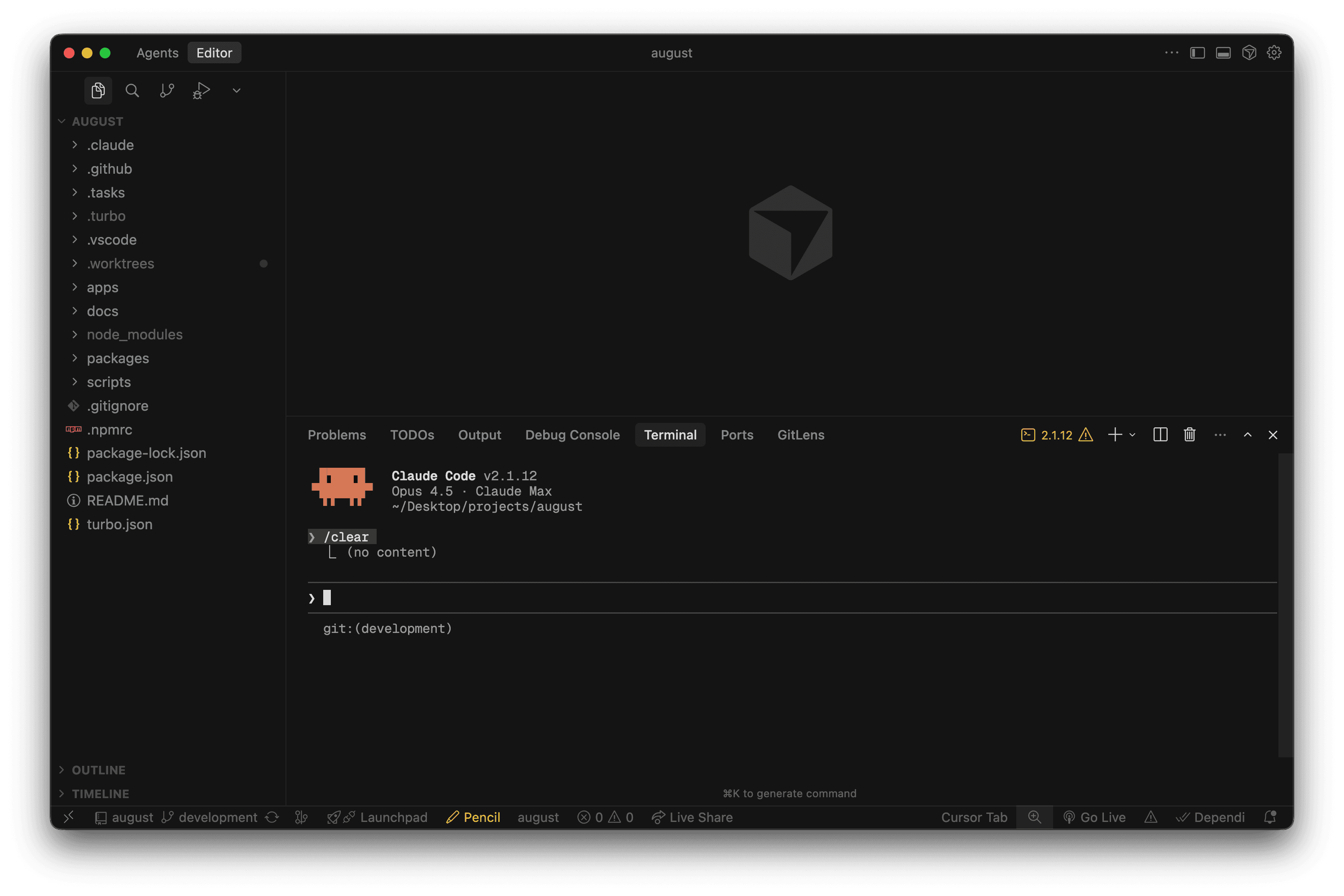
The first couple of things I tried were fairly simple, targeted edits. I had Claude open in Cursor as a terminal window.
Claude Code also has an IDE integration that shows you file diffs, which you can accept or reject. This is useful for building trust with the agent.
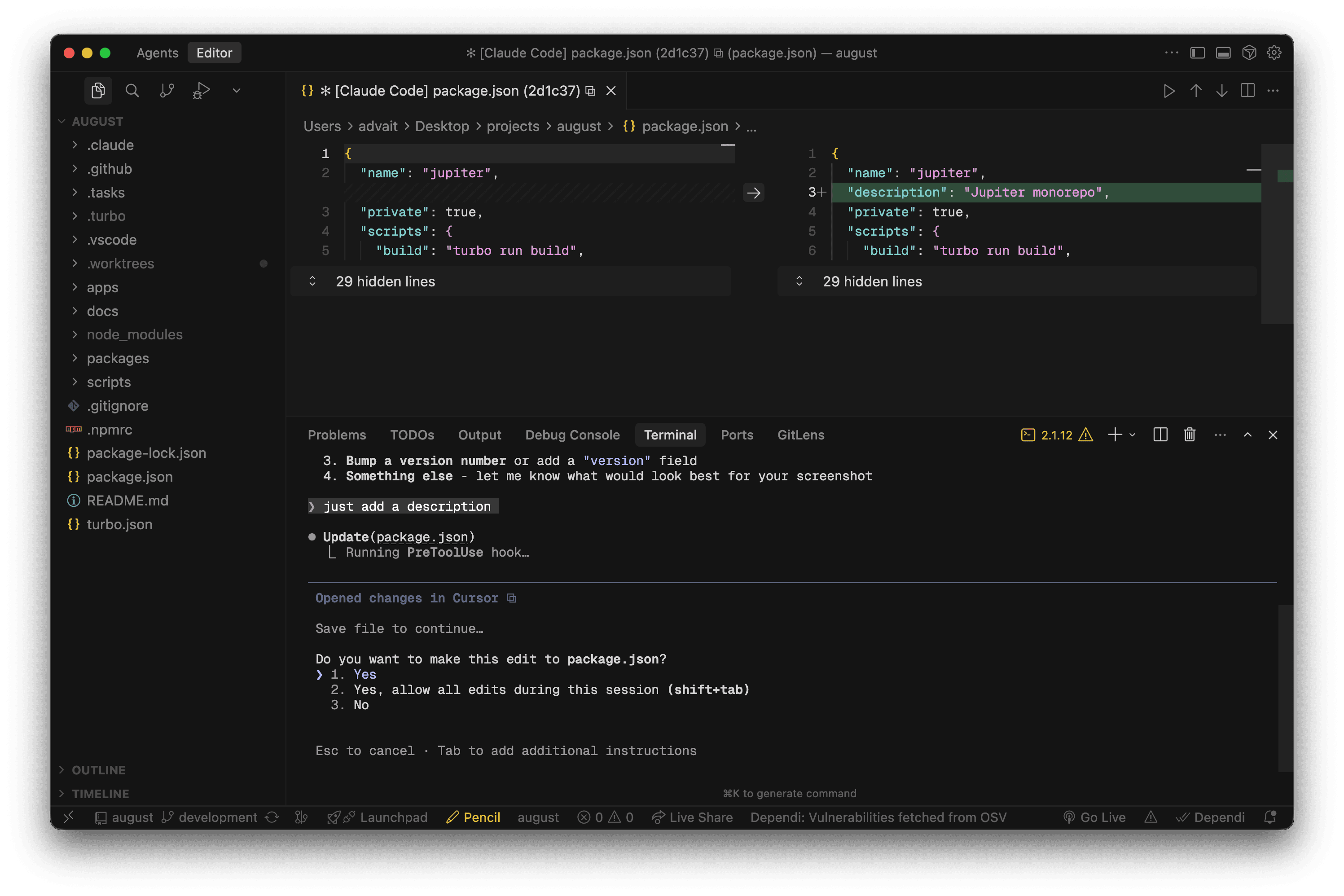
The key lesson you will learn here is that the agent is much more capable than you thought it would be. It can still make mistakes, but it'll either recover on its own or you can press Escape and give it a new direction. Don't be afraid to do so; it's completely all right to redirect it multiple times until it gets the idea.
The repetition
You will find that there are some commands that you always ask it to run. In my case, these were:
- Committing code
- Generating a PR
- Creating a plan from an issue
- Implementing a planned issue
I was actually fairly lazy about creating these commands, but I urge you to be proactive because they save you the frustration of writing the same thing again and again.
At this point you'll also be frustrated by Claude repeating mistakes. For me, these include using pnpm instead of npm, trying to run the project when it can't check the output, and trying to write migration files on its own.
All of these problems could be easily solved by maintaining a claude.md file in your repository. In a true "do as I say, not as I do" fashion, I haven't made one. I have a Linear issue for addressing all the repository setup problems, but as time goes on, I'm starting to think this isn't going to happen. So my recommendation is to make a quick-and-dirty version and then iterate on it.
The flow
Even though I work alone, I maintain a Linear workspace where I write all my issues and add more context in each issue description.
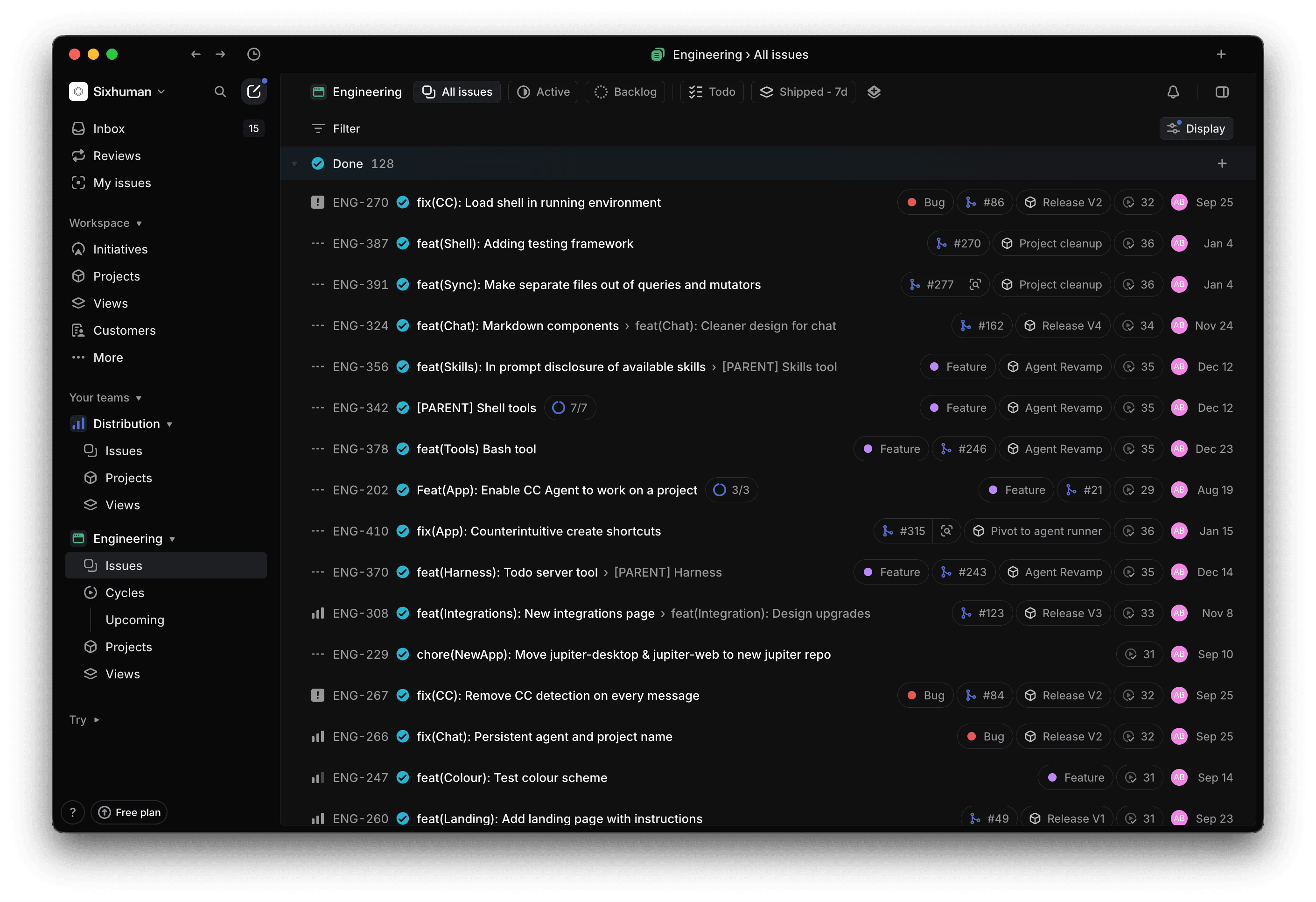
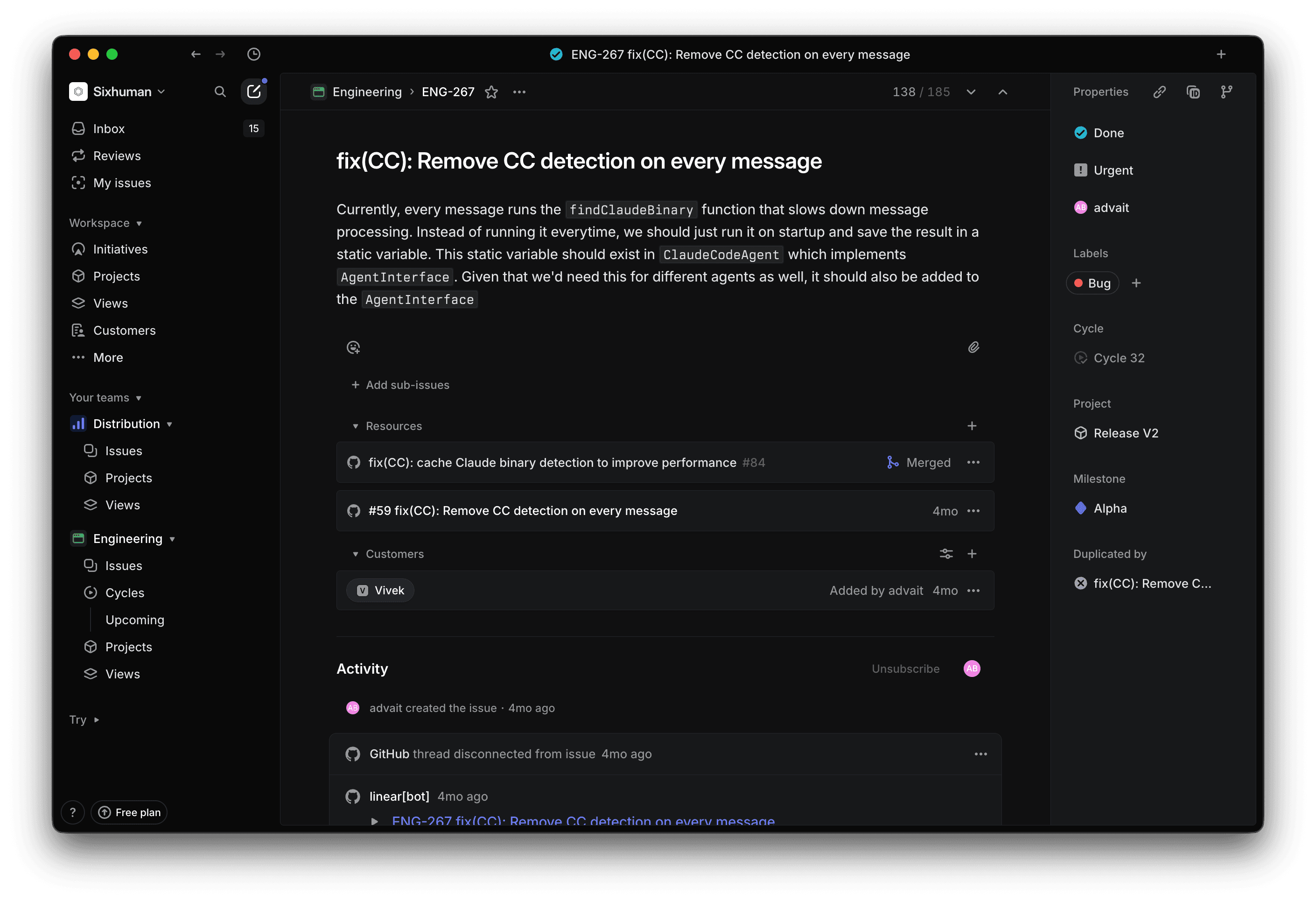
This ended up helping a lot because I could just ask Claude to use the issue as a prompt. Linear has an MCP server that you can add to Claude Code. It's fairly intuitive to use as well.
I also have my GitHub app connected, so Linear syncs issues to my repositories. This is useful because Claude sometimes prefers to pull issues from GitHub.
The slope of planning
This is probably where you'll also discover the beauty of plan mode. When I initially started using Claude Code, plan mode was pretty basic. I didn't like it much because I wanted to manually edit plans as well. So I asked Claude Code to add its plans to issue comments. I would review each plan, edit it, or regenerate it completely.
The best way to think about plan mode is to imagine Claude implementing a feature along a trajectory. With plan mode, you get to trace that trajectory much faster and without making actual edits to your code. It's an easy way to eliminate obvious failure paths.
The new plan mode also has special prompts that make it much more useful. It also stores the plan in a Markdown file, so any edits you ask it to do won't result in a complete regeneration of the plan.
This is also where I personally started breaking large features into small tasks that Claude could handle, largely to get around context-window limitations. I usually split them by module. If a change spanned my sync engine, backend, and frontend, I would ask one Claude instance to complete one part and then write a prompt for the next task.
Claude 1: Work on the sync engine, then write a prompt for the backend.
Claude 2: Work on the backend, then write a prompt for the frontend.
Claude 3: Work on the frontend.
This prompt would include information about the task we're doing, the steps that have been completed, and what needs to happen next. Because all the context for my tasks is stored in the Linear issue description, this prompt can be short.
Context management with ease
Most of the time, these tasks won't require too much context, so they're easy to manage. What's tough to manage is debugging with Claude. There are times when something just won't work or will break with a different error message every time. It's still progress, but progress that takes a while. This becomes a problem within Claude's 200K-token context window.
Unlike many users, I haven't experienced context rot when the context window fills up because I only allow that to happen while debugging, when the changes are fairly incremental.
I created a command called /evolve, which captures information that I want the next model instance to retain based on how I work. This works much better than Claude's automatic compaction.
NOTE: This is a temporary solution. I'm sure Anthropic is actively working on compaction; once an improvement comes out, I probably won't use this command anymore.
Embracing the agent
The file editor had become somewhat irrelevant by this point. I still needed it for editing things like colours and website copy, but I had otherwise stopped using it much. Most of my code is now generated by AI, and I test the output in development mode. Once it's working, I view the final version during code review and leave comments wherever I think changes are warranted. I feed those comments back into the agent and then merge the code.
Getting a code review tool will be very helpful here. I have tried CodeRabbit, but I didn't like how it worked. Claude also has a GitHub app that you can install. By far, though, the best experience I have had is with Greptile.
It's confident in the issues it flags; it reviews code much like a human would, pointing out only plausible problems. It also doesn't try too hard to find issues in everything. I have had times when Greptile has simply approved the PR without saying anything. This is obviously a personal preference.
This is also where you could use something like the Claude Code mobile app and web UI to fire off tasks in Anthropic's code sandboxes. I have been able to complete a few things with these tools, but I think sandboxes have a long way to go, and my codebase has to mature a bit in terms of tests and initial setup (environment variables, binaries that need to be bundled, etc.).
Multi-agent mode
I'll be the first to admit that spawning tens of agents, sometimes on a single task, seems performative—and on some level, it is. However, I think there's some value in being able to run multiple agents at once. For me, it just clicked one day, so let me tell you about it.
I had just completed a large project and I wanted to get some chill tasks out of the way. At the top of my list was adding tests to the applications in my monorepo. I poured myself a glass of leftover cocktail from my New Year's party and started with the first application.
To my surprise, Claude's plan for how we could add tests and which tests we'd add was pretty simple. It seemed to cover a broad area as well. I gave it the go-ahead and sat for a minute.
Then I realised that I could write tests for all the applications simultaneously. I learned how to create worktrees, made four of them, and had four agents writing tests for every application in my monorepo.
It felt pretty amazing going through this experience because for the first time Claude wasn't just making me faster—it was multiplying my output.
In my head, though, it was a one-off win. There would probably be only a few cases in which I would spawn agents at this scale. Oddly enough, I was wrong.
Today's setup
I have started collecting user input in my Linear issues, and after a couple of user onboarding sessions, I get at least three or four issues I can solve immediately and a couple of features I need to explore. I start my workday by spawning agents in my worktrees (which are named after car companies I like) and assigning each of them an issue.
Initially, I did this across multiple iTerm windows, but I have now created an application to manage it. The application lets me keep worktrees in separate workspaces and move between them easily with keyboard shortcuts. You can also try it at august.tech.
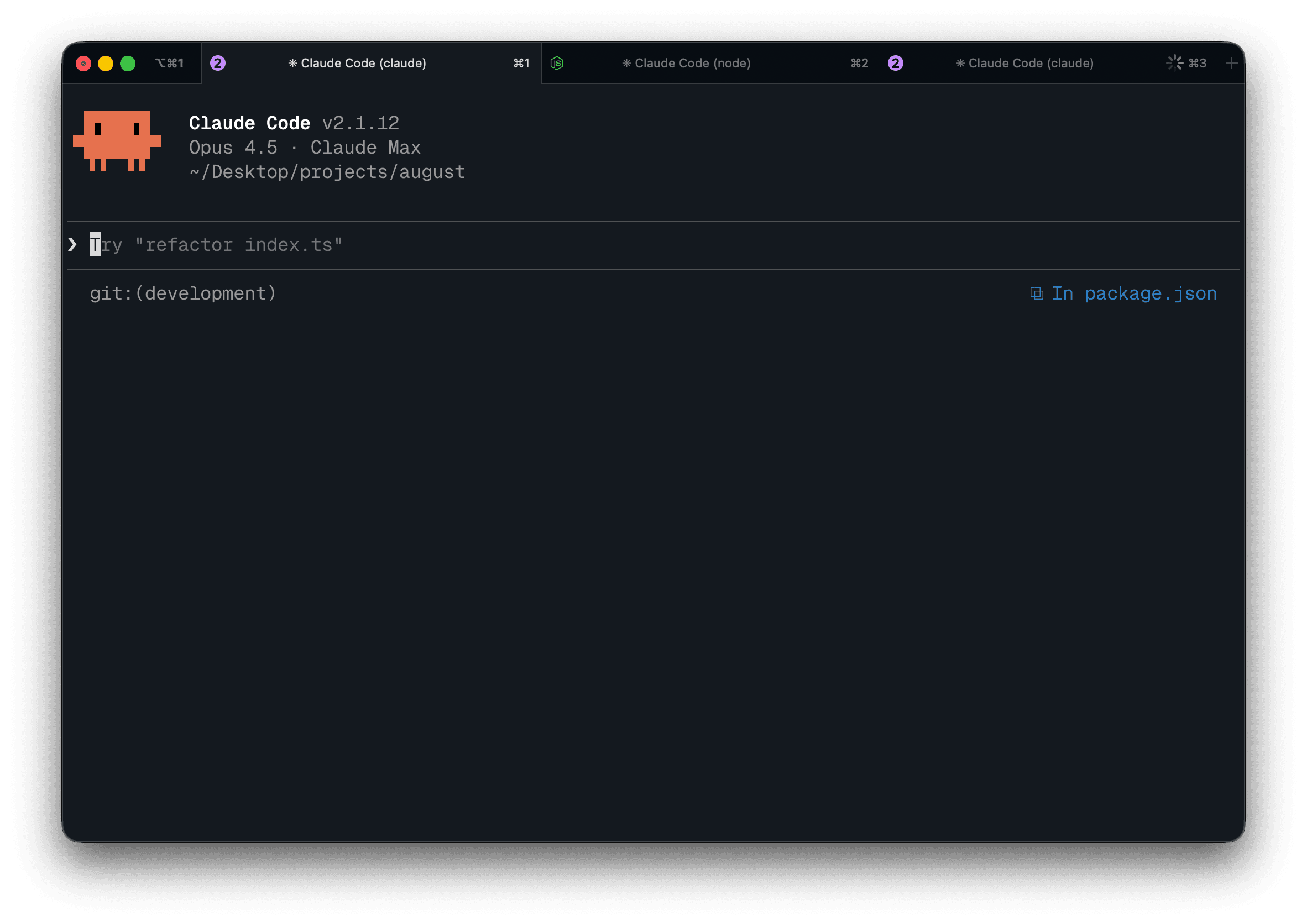
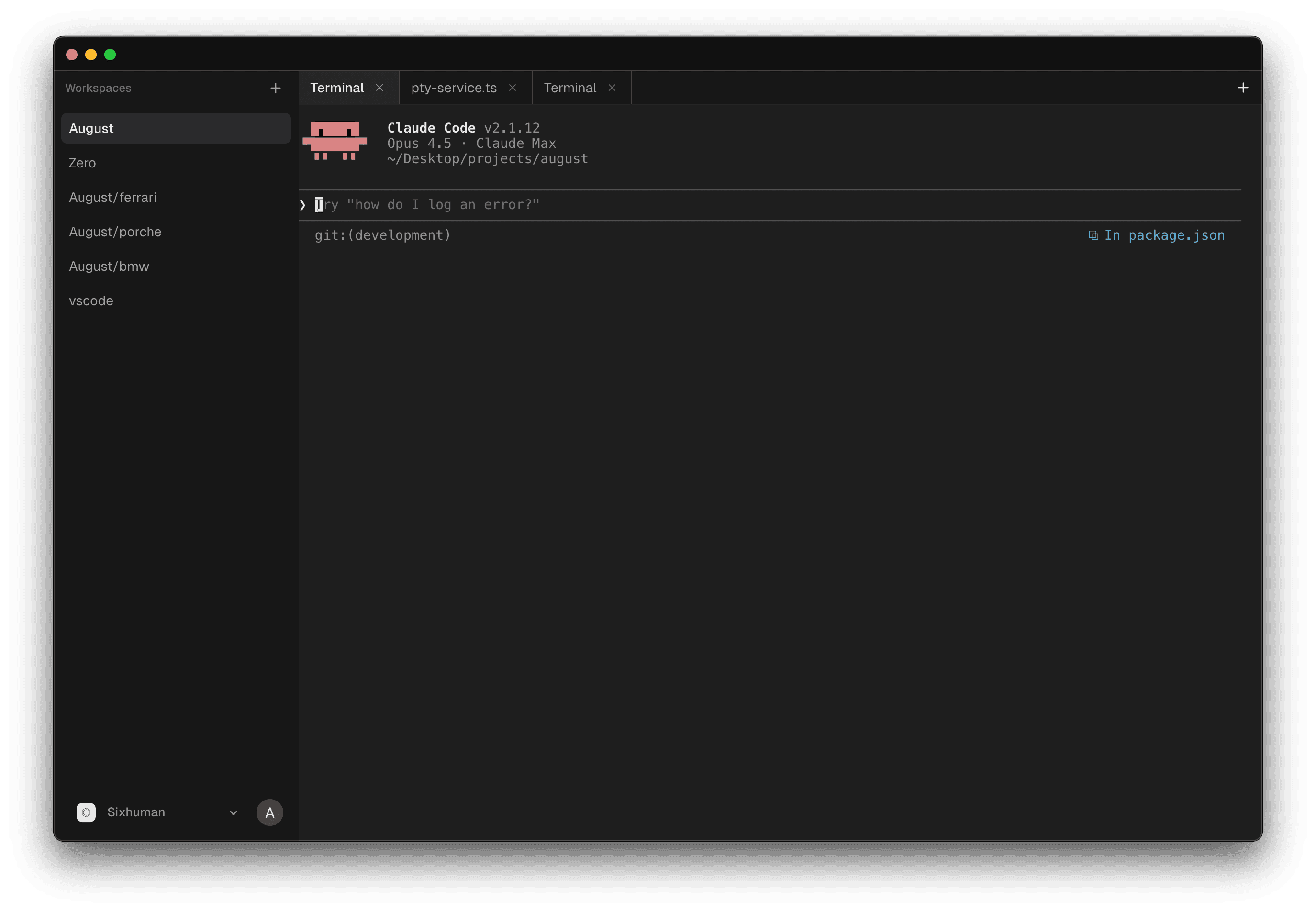
I move between them when they stop to request permission or ask a question. The goal, though, is to get every agent to a point where its assigned feature is working or its assigned issue is resolved, and then have it open a PR. I don't review the PRs until three or four have been created.
Then I switch to reviewer mode and go through them one by one, flagging code-quality problems or suggesting an alternative approach. I send that feedback to each agent using this prompt: Address comments on #[PR_NUMBER].
This also helps because by this time Greptile is done commenting on the PR, and the agent can then address comments from both of us. I also keep the agent's context intact because that has given me better results.
Next steps
The next things I want to do are finally create that damn claude.md file, add tests to my repository so everything is verifiable, and make the repository easy for sandboxed agents to use. I would love to know how your Claude Code experience has been. Was it the same as mine or different?